Record Online Radio Stations
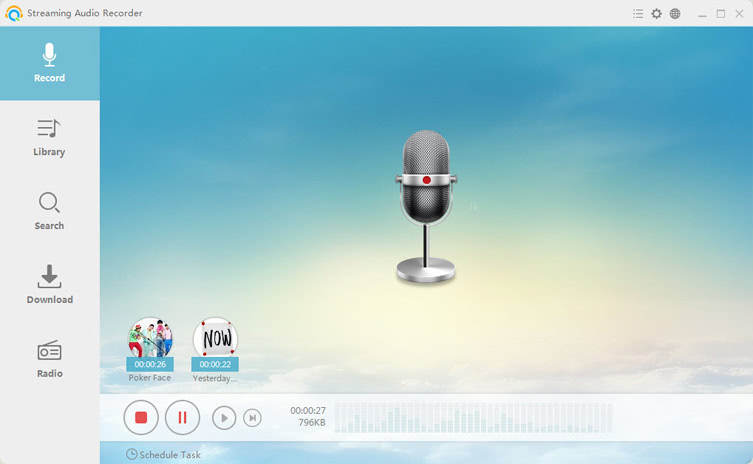
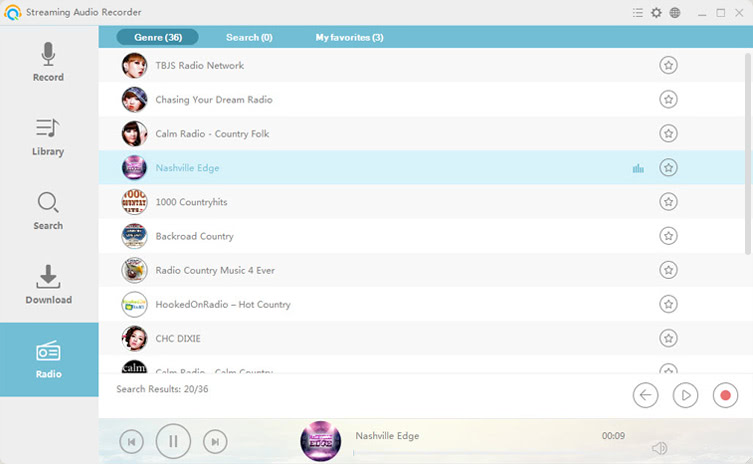
Perfect way for recording live streaming audio you hear from radio stations in all around the world. Just search and stream the radio you like, the program supports to record any songs, news, talk shows, etc. and save them to your hard drive.
Search and Download Songs
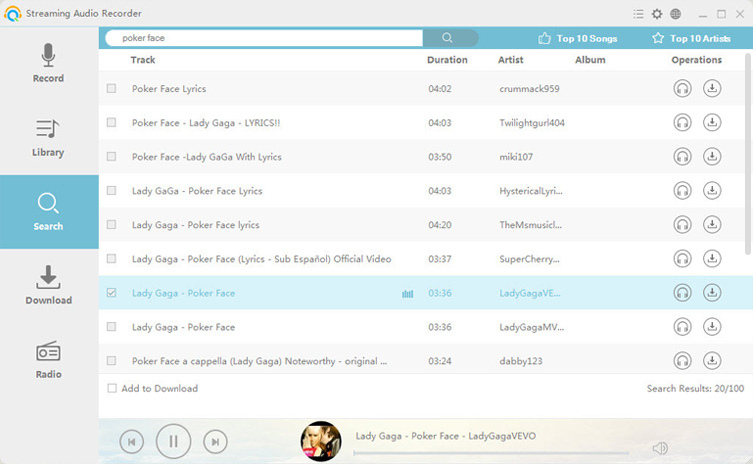
By inputting related key words, the built-in MP3 search engine will locate your wanted songs on the web. And you can listen to them for checking the quality. In order to save the songs, simply select them and add to download list.
Transfer Audio to iTunes
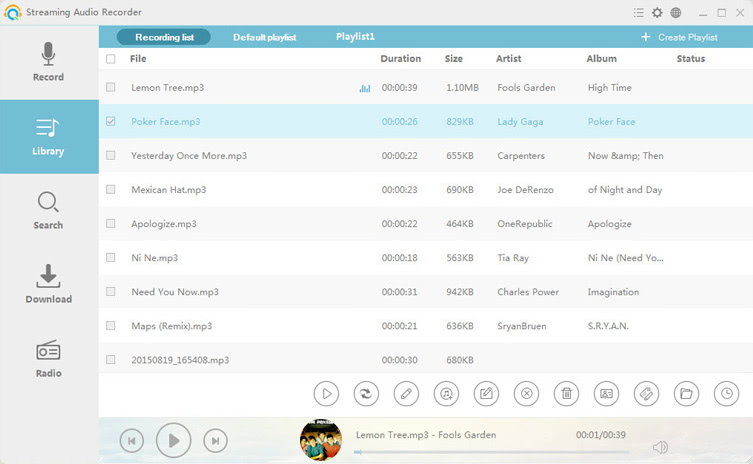
If you want to listen to recorded and downloaded music on Apple devices, the "Transfer Music to iTunes" function is the right option. It converts audio in any formats to iTunes compatible format and add them to iTunes library in one-stop way.
Edit Audio Easily
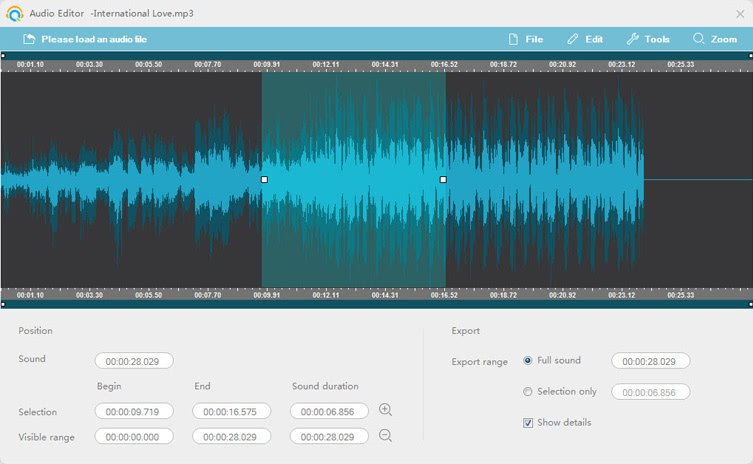
The built-in audio editor offers lots of functions including cut, copy, paste, merge, mix and add effects to audio. Using it, you could re-create the audio and make ringtone without hassle.
Burn CD for Sharing and Collection
It's a nice add-on for you to burn your audio to blank CD for listening within CD player in your house or in the car. You may also share your songs with others via CD disc.


Thanks, this is the best audio recorder I have ever used. Because of my job, I often need to record online radio onto my PC, and Streaming Audio Recorder helps me do this effortlessly. I give it my support, as always.