RecCloud
Upgrade: an easier & more intuitive video editor
Straightforward & Effortless & Lossless
Convert video to any formats with minimum quality loss. An all-in-one video converter, editor, player and screen recorder

Upgrade: an easier & more intuitive video editor
Straightforward & Effortless & Lossless
Convert video to any formats with minimum quality loss. An all-in-one video converter, editor, player and screen recorder
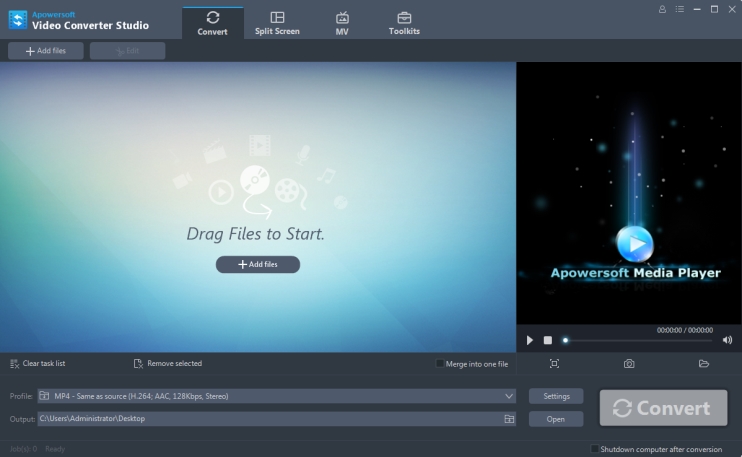
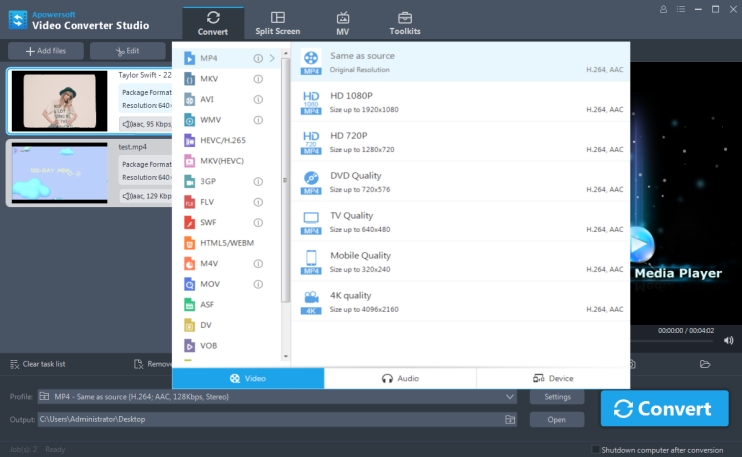
Video Converter Studio supports converting all video audio formats. It allows you to export video into a wide range of output formats. You can also customize video parameters, such as frame size, width, height, and bitrate before converting. New popular formats are constantly added into the format list making it more powerful.
Video | MP4, MKV, AVI, WMV, HEVC, H.264, MKV, 3GP, FLV, HTML5, M4V, MOV, ASF, DV, VOB, OGV, YouTube, ASF, RM, MTS/M2TS/TS/TP/TRP, MOD, TOD |
Audio | MP3, MP2, WMA, M4R, M4A, AC3, AAC, OGG, WAV, FLAC, AIFF, RealMedia |
Device | Apple, Samsung, HTC, Blackberry, Sony, Nokia, Motorola, Game, LG, TVS, DVD, Android, Archos |
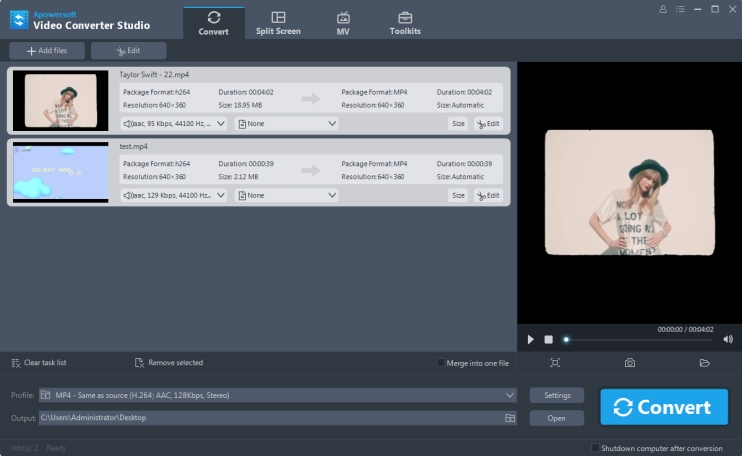
The simple video converter can preserve 100% video quality as the original video file. Also, it empowers you to convert nearly all popular video formats including HD MP4, HD MTS and even 4K standard. Apart from converting function, it also supports multiple video conversion during one session, which will be processed at a blazing-fast speed.
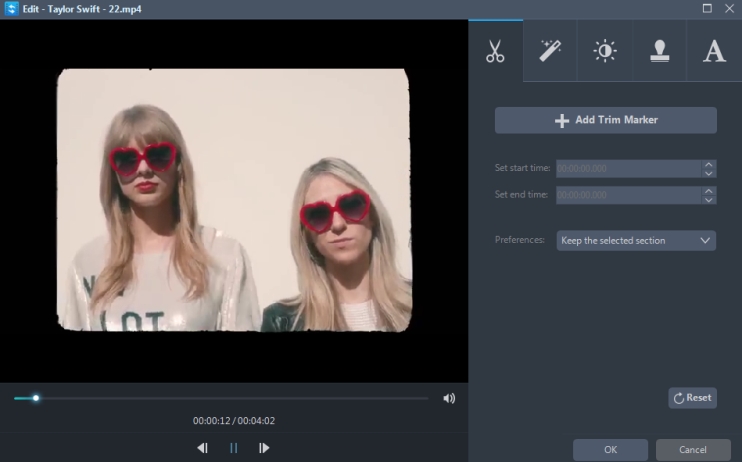
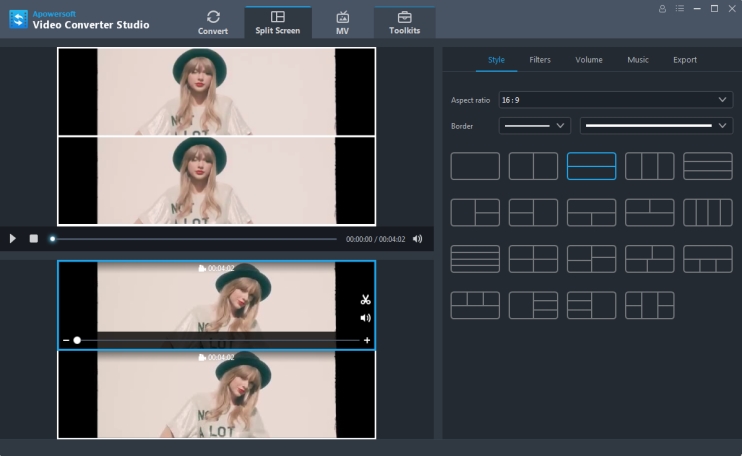
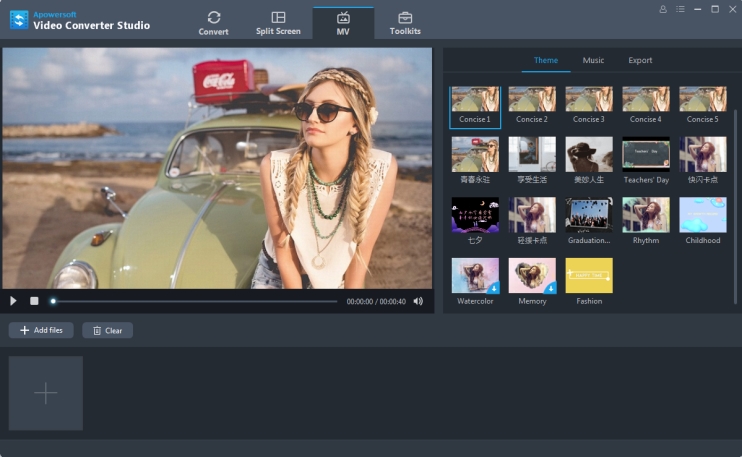
Apowersoft Video Converter also comes with special editing feature, which allows users to join in video clips, trim/crop video file, apply effects, add watermark, etc. Without spending extra dimes, you are able to create professional-looking home movies in minutes.
After conversion, you can get the latest videos to your PC, DVD or portable gadgets for smooth playback. You may choose to play the compatible formats on your iPhone XS Max, iPhone 8 Plus, iPhone 8, iPhone XS, iPhone XR, iPad, Samsung, Nexus, Sony and many other digital devices. Or simply enhance your video experience on big TVs.
Enjoy on your portable device
Burn to DVD
Upload to YouTube, Facebook and Twitter

I do love this potential HD video converter. That you can convert video to MP4 or virtually any other mainstream formats is truly mind-blowing!

You guys should be praised to high heaven!!! The built-in editor really makes my home videos look more professional.

I'm impressed with your company as well as your ability to provide such a cool product. Again, many thanks for this great video converter and downloader!

Apowersoft Video Converter makes a big difference to me, it's why I'll stay with Apowersoft all the time.

I bought this HD video converter about one month ago and I am suprised how well it works. Give you guys a big thumbs up!!!
I think it is worth trying this software, what impressed me most is the fast converting speed and high quality output format. I can even convert multiple video files all at once.